

To register for a class, click here, log in, and then click on Register, the third button in the leftmost column. After you have registered and paid for a class, it will appear under My Calendar, shown in bright yellow below.
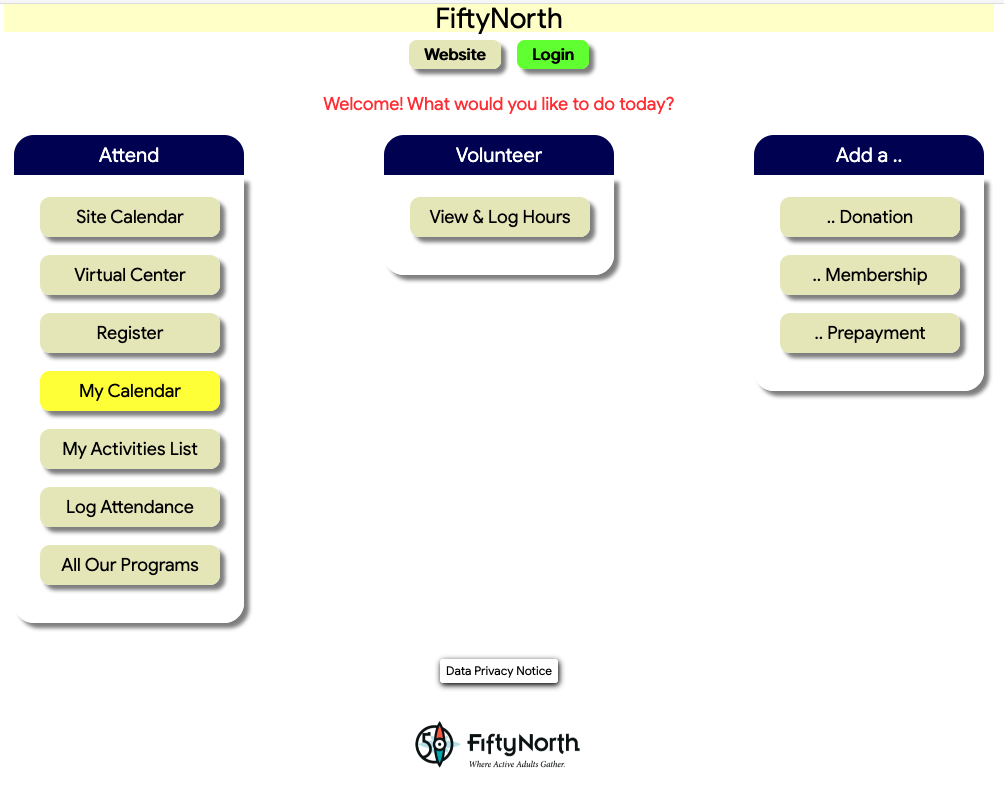
To participate in a Zoom session, click on My Calendar. The Zoom classes you have registered for will be highlighted in blue. Click on the class you want to participate in, then click on the button in the lower left that says JOIN ZOOM. Clicking on that will take you directly to the class.